Scanning
If the scan is hard to read, fix the photograph before the text.
Recapture when text is blurred, clipped or covered by glare. For readable but tilted photos, correct the corners and perspective. Review small digits after enhancement: a cleaner-looking image is not proof of accurate extraction.
Put the answer to work
Check the tool’s supported inputs and limits before uploading. Account and plan requirements may apply. See plans.
What counts as a better scan?
Readable small text and complete evidence—not merely a whiter background. Compare the important digits in Original and Processed, and keep the version that preserves them most clearly.
How WorkSpotHQ helps
WorkSpot Scan
In WorkSpot Scan, add the document, then choose Clean and straighten. For a photo with incorrect edges, use Adjust the four corners myself. In Review your scan, compare Original and Processed before choosing Download JPG or Download PDF.
Extract Text from Image (OCR)
Use Image OCR on the clearest source image available. Check names, dates and digits in the extracted text. If the source is blurry, recapture it before relying on another reading.
Your next steps
- Move the light or camera to remove glare; avoid casting your own shadow.
- Flatten curled paper without covering printed information.
- Capture close enough for small text while keeping the entire document visible.
- Correct the crop, then inspect dates, decimal points and the bottom of the page.
What this looks like in practice
A thermal receipt with a faint 8 may be read as 3. Compare the crop with the source; if neither is legible, leave the value unresolved rather than inventing it.
Illustrative guidance, not a measured accuracy result or a guarantee for every document.
Actual scanner results—not retouched illustrations
These four synthetic inputs were processed locally by WorkSpotHQ’s scanner service using automatic corner detection, without manual correction. Both files are available so you can inspect the result yourself.
These are controlled demonstrations, not photographs from customers or an independent accuracy benchmark. They do not measure OCR, receipt extraction, handwriting or production upload performance.
Dark desk, tilted page
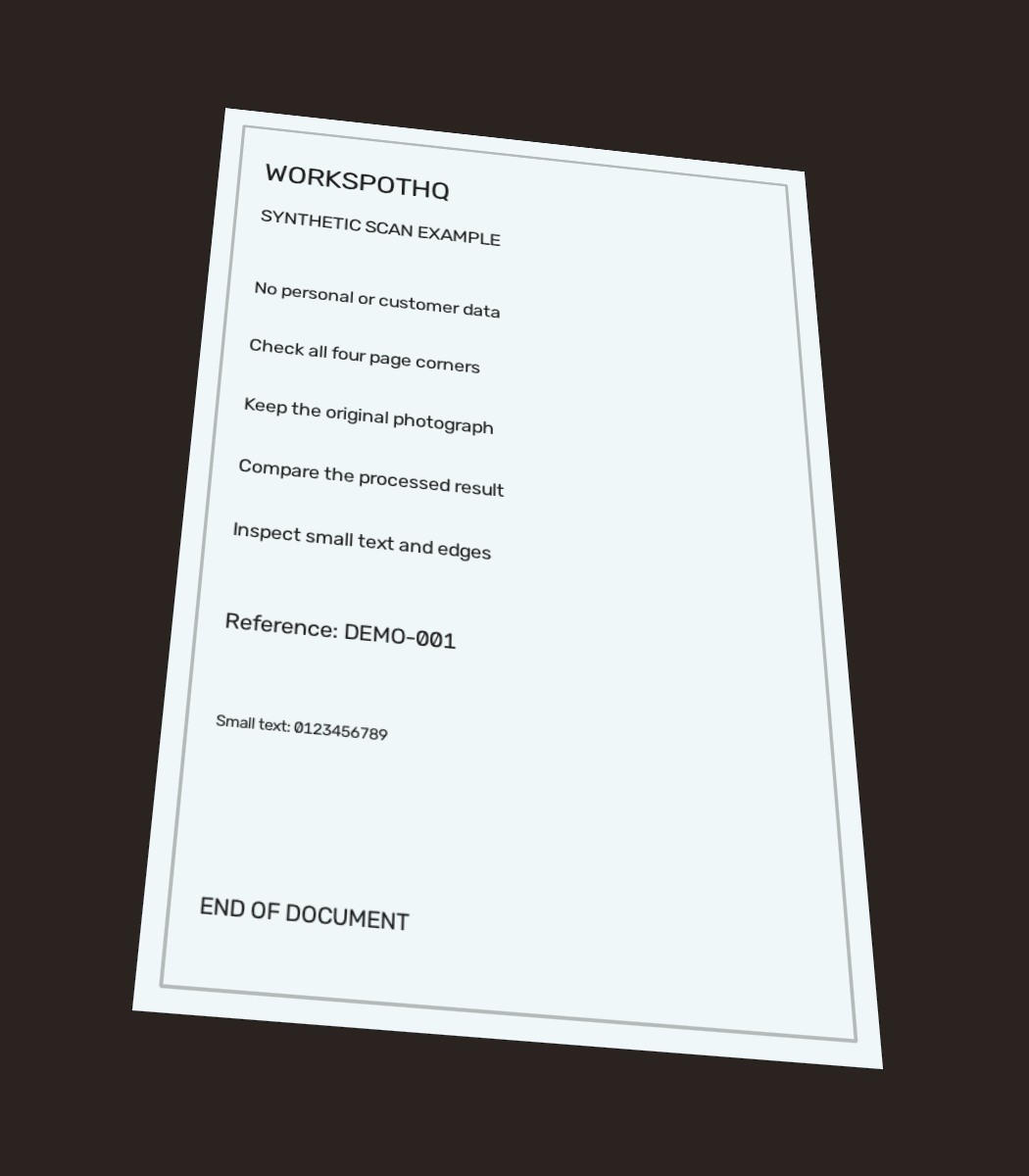
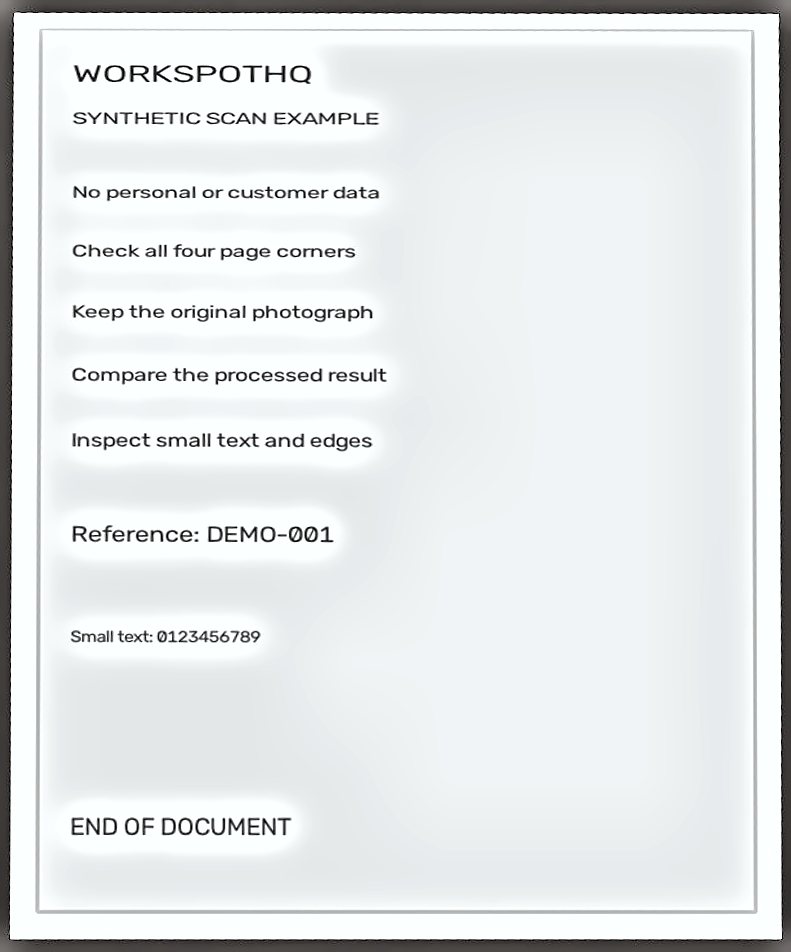
The page is straightened and all test lines remain visible. Enhancement leaves noticeable light halos around text and a narrow dark outer edge.
Source: 71,197 bytes · Result: 58,197 bytes. File-size reduction in these examples is not a guarantee for other documents.
Light desk, tilted page
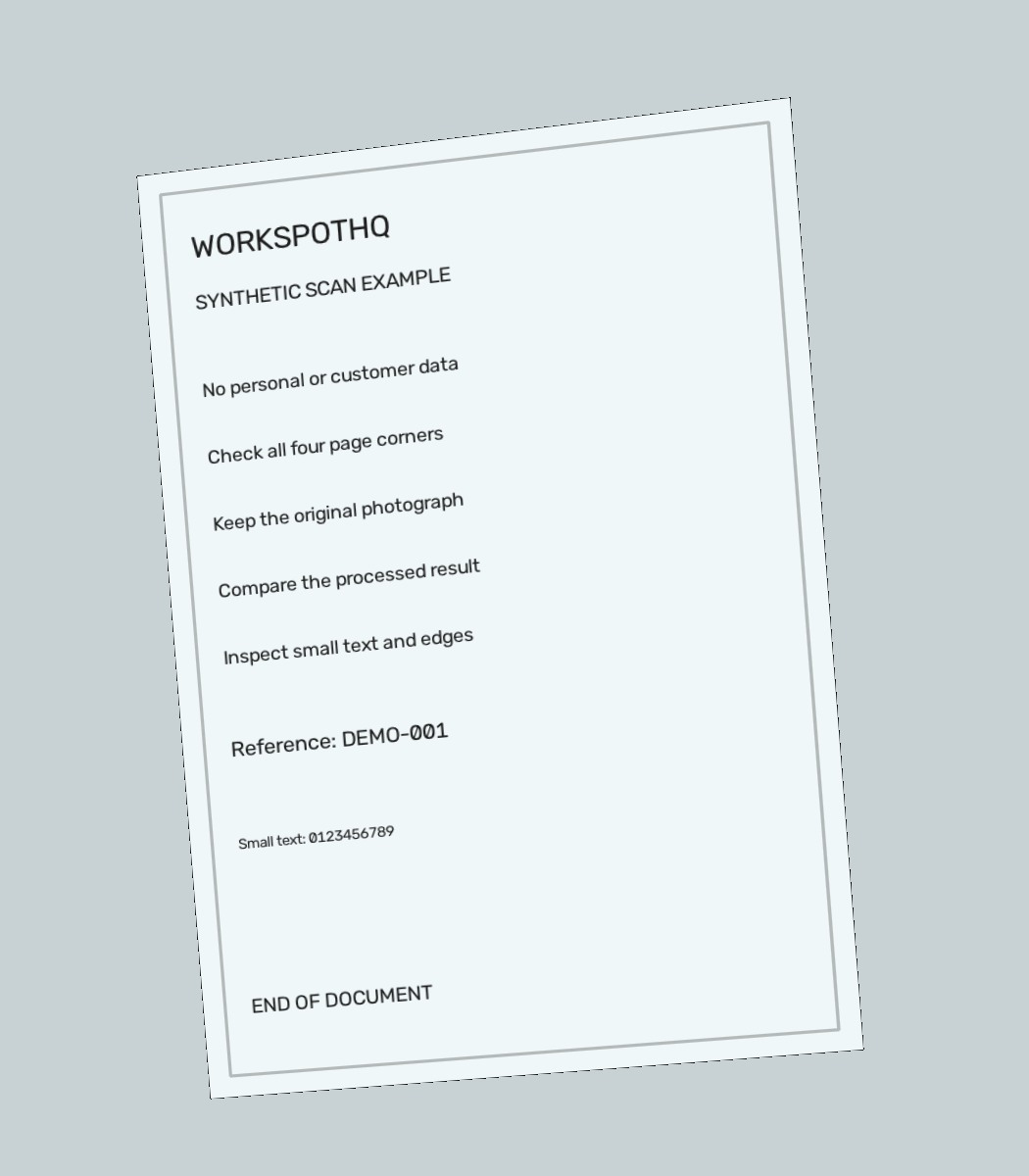
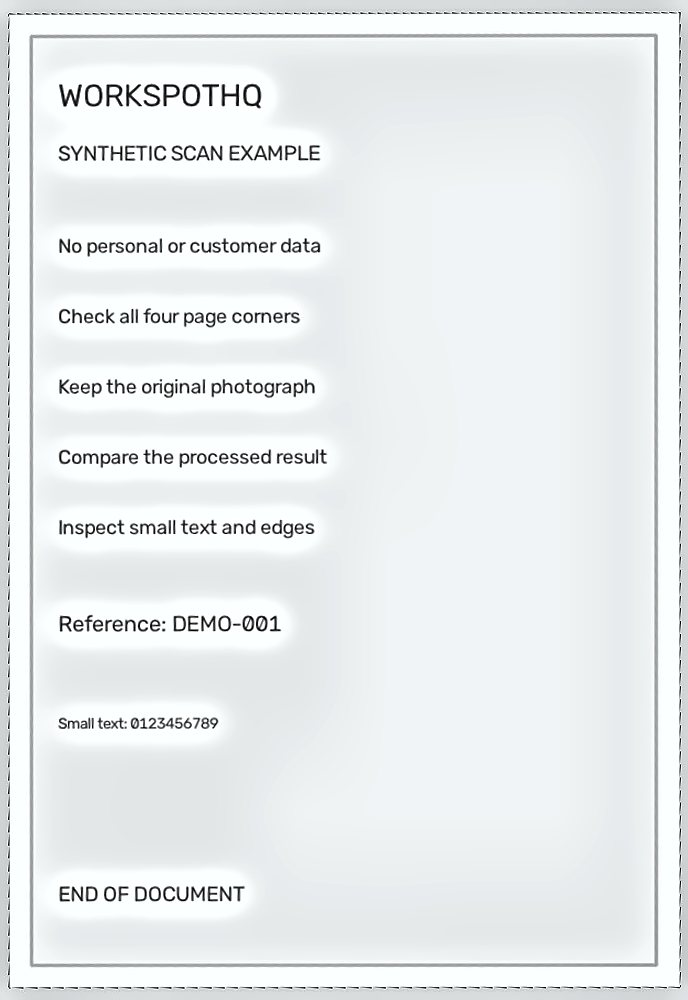
The page is straightened and the bottom label remains visible. Some background and edge artifacts remain; this is not a perfectly clean border.
Source: 73,929 bytes · Result: 60,414 bytes. File-size reduction in these examples is not a guarantee for other documents.
Dark desk with simulated shadow
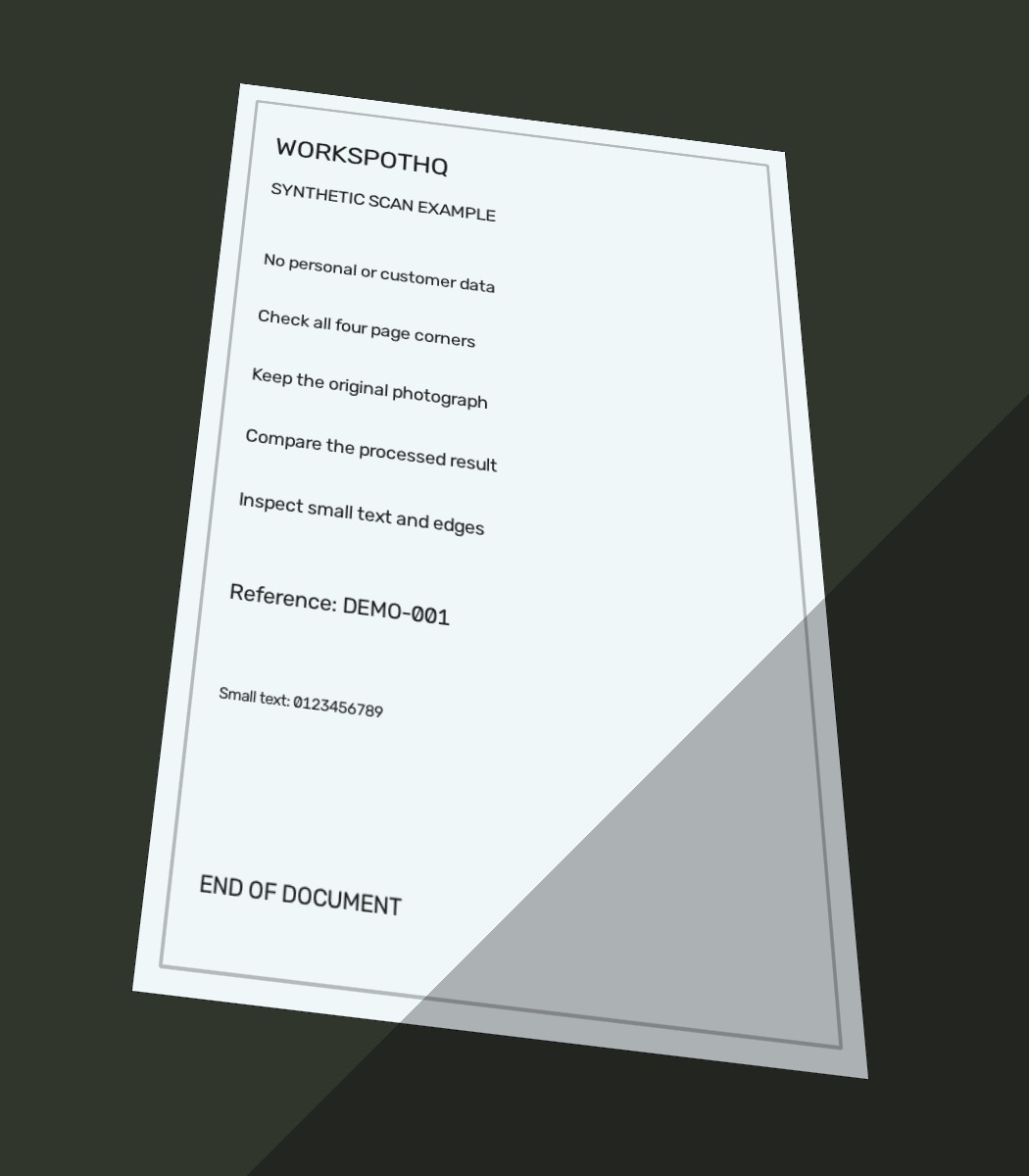
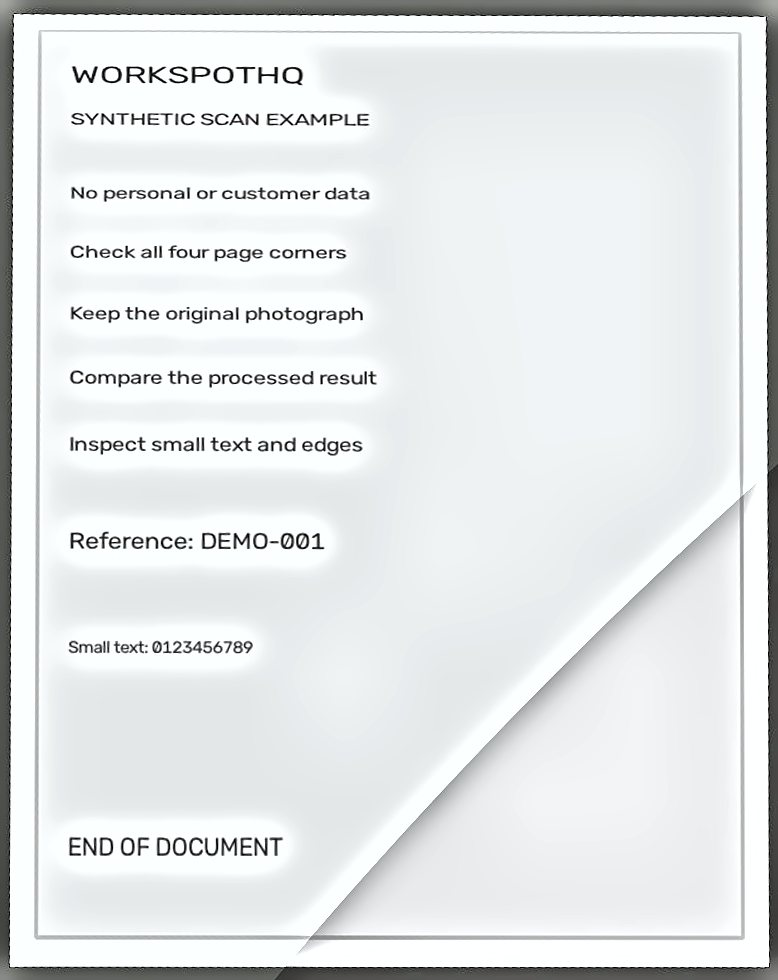
Perspective is corrected, but the diagonal shadow boundary remains strongly visible. Recapturing under even light is preferable for a polished result.
Source: 74,320 bytes · Result: 64,356 bytes. File-size reduction in these examples is not a guarantee for other documents.
Pale page on a pale background
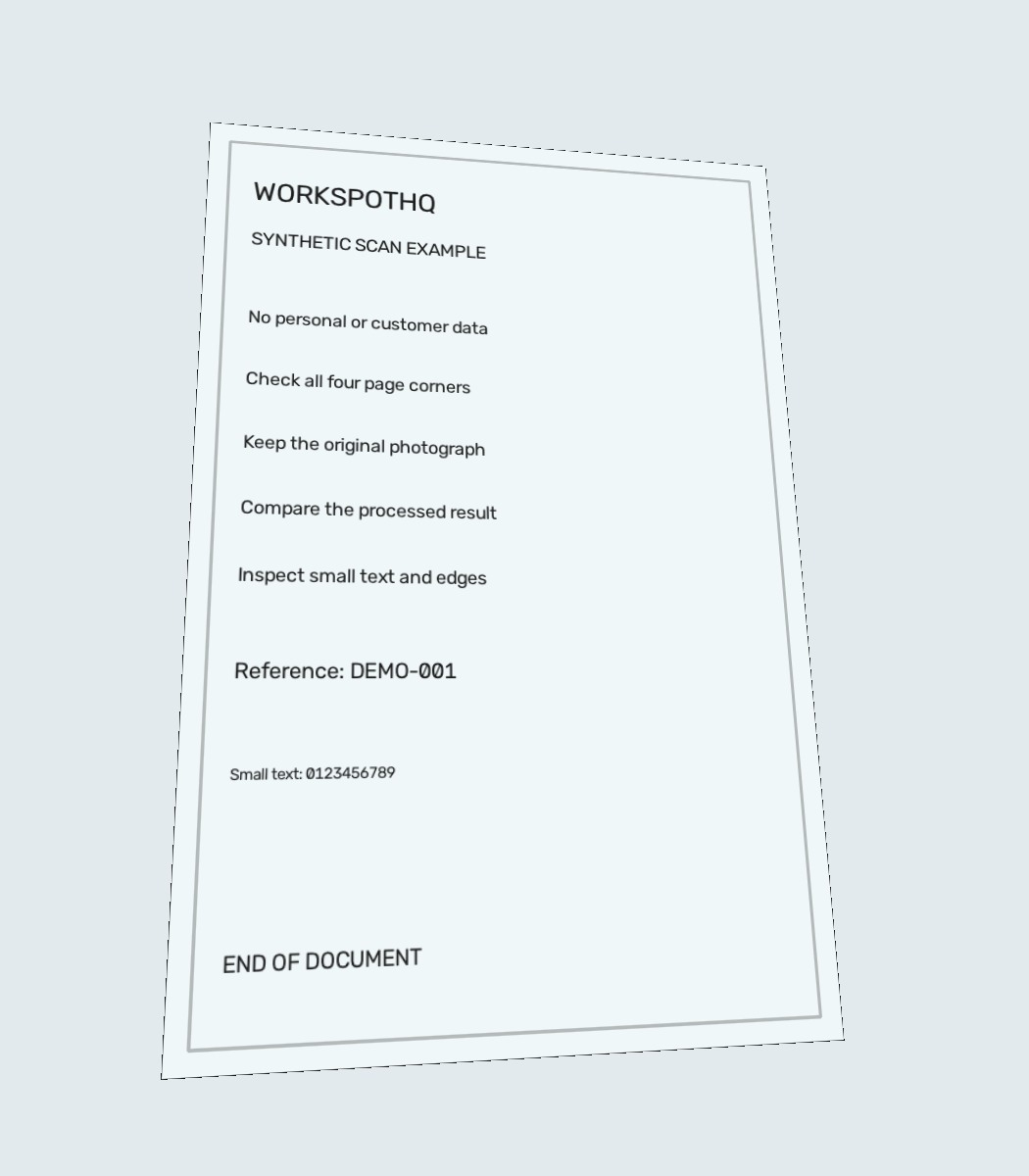
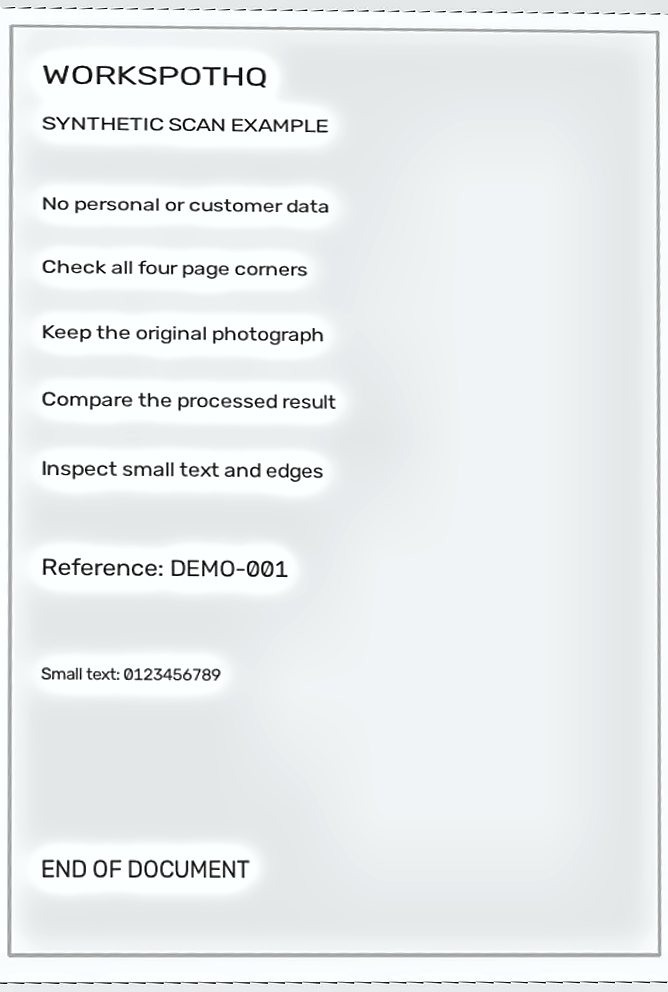
The main text remains visible, but the crop is tighter and some outer page margin is lost. Review and adjust the corners when margin content matters.
Source: 70,301 bytes · Result: 51,427 bytes. File-size reduction in these examples is not a guarantee for other documents.
Method and limitations
The source is a digitally generated page projected onto four controlled backgrounds. A Python script runs the existing scan_document service directly and retains all four results. This isolates image processing; it does not test the camera, upload flow or server capacity.
Corner-distance checks passed the script’s tolerance in all four cases, but that does not establish visual perfection. The shadow seam, enhancement halos and imperfect margins remain visible above. Check the image, not just the metric.
Read the measurements and file hashes (JSON)Before you call it done
Upscaling cannot reliably recover lost characters. Screenshots of compressed previews may contain less detail than the original photograph. Both light and dark backgrounds need sufficient contrast.