Images
The right format saves more than a filename change.
Choose a format supported by the destination and suited to the image. Preserve transparency when needed, review compression, and keep an original before resizing, watermarking or enlargement.
Put the answer to work
Check the tool’s supported inputs and limits before uploading. Account and plan requirements may apply. See plans.
Why did the transparent background disappear?
The chosen output may not support transparency or may flatten it. Preview the exported result against its intended background before replacing the original asset.
How WorkSpotHQ helps
Image Format Converter
Use Image Format Converter to create the actual required format rather than renaming an extension. Check transparency and the background in the exported file.
Add Watermark to Image
Use Watermark Image on a copy, keeping the unwatermarked original. Check placement at the final display size so the mark remains readable without obscuring the subject.
Image Upscaler
Use Image Upscaler when a larger image is needed, then compare small details with the source. Larger dimensions do not guarantee recovered detail or print-ready colour.
Your next steps
- Check the destination’s accepted formats.
- Decide whether transparency or photographic compression matters.
- Convert using a format tool rather than renaming the extension.
- Inspect edges, text, watermark placement and image detail after export.
What this looks like in practice
A transparent logo converted to a format without transparency needs a suitable background. A watermark near the edge may disappear when someone crops the image.
Illustrative guidance, not a measured accuracy result or a guarantee for every document.
Fewer pixels can still mean a larger file
This fictional graphic was processed through the actual local image resize and JPEG export functions. The output keeps the 4:3 proportions, but its JPEG is larger than the source PNG. Flat graphics can compress efficiently as PNG; changing dimensions and format together does not guarantee fewer bytes.
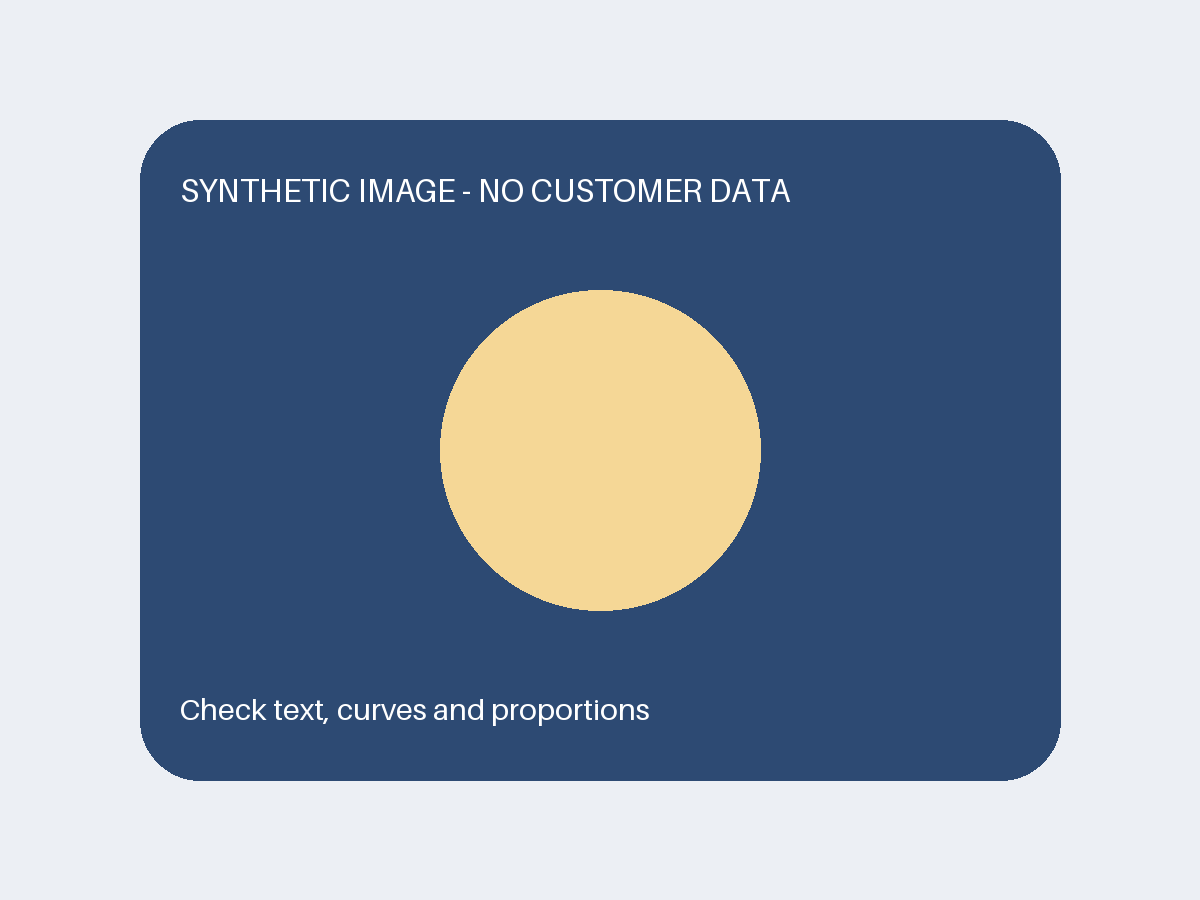
Download source PNG
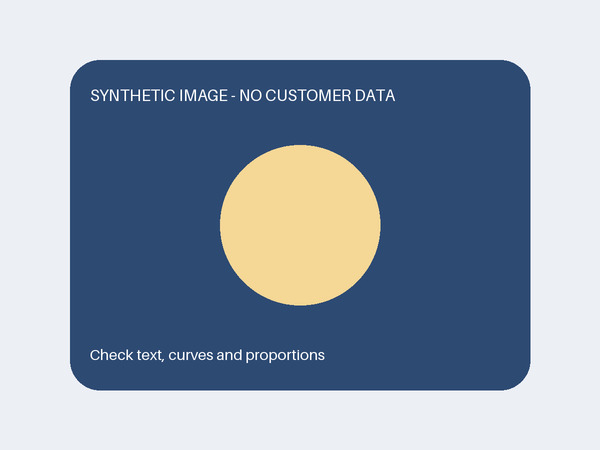
Download actual output JPG
What to do: inspect the destination-size image, compare actual bytes, and retain a suitable format for the content. This single synthetic case is not a quality or speed benchmark for photographs.
Download method and file checksums (.json)Before you call it done
Enlargement does not guarantee recovered detail, print-ready colour or exact colour matching. Keep unwatermarked originals under your control.